Professional Onsite Printer Repair

Fast, Reliable Printer Repairs — We Come to You.

When a printer stops working, your day can quickly fall behind. Our onsite repair service helps diagnose and address common printer problems at your home or workplace throughout the Grand Junction area.

Paper jams Error codes Print quality Connectivity Hardware issues
Onsite service Grand Junction area Clear service communication
SERVICE CREDENTIAL HP Authorized
Certified Service Center
Click to verify
24hr Same-Day Response
90-Day Service Warranty
100% Onsite Repairs
$0 Diagnostic Fee
Service that comes to you Tell us what's happening with your printer and we'll help determine the next step.
WHAT WE FIX

Complete printer repair for common and complex issues.

From paper-feed problems to connectivity and hardware faults, our repair service is focused on identifying the issue, explaining the findings, and applying the appropriate solution for your equipment.

01
PAPER HANDLING

Paper Jams & Feed Problems

Diagnose recurring jams, misfeeds, and paper-path problems while checking the components responsible for consistent media handling.

Paper-path inspection Feed roller checks Separation component inspection Recurring jam diagnosis
02
SYSTEM ISSUES

Error Codes & Firmware Issues

Troubleshoot warning messages, recurring alerts, and configuration problems that prevent a printer from operating normally.

Error and alert diagnosis Configuration review Firmware checks Reset and recovery assessment
03
OUTPUT QUALITY

Print Quality Problems

Address streaks, faded output, smudging, uneven density, banding, and other print-quality concerns through diagnosis and appropriate maintenance.

Print quality assessment Printhead and alignment checks Cleaning and calibration Consumable and component review
04
HARDWARE

Hardware & Component Repair

Inspect mechanical and electronic components when a printer requires deeper troubleshooting or a replacement component.

Roller and feed components Fuser-related diagnostics Transfer component checks Formatter and control-board assessment
05
CONNECTIVITY

Network & Wireless Problems

Help reconnect printers that are having trouble communicating with computers, mobile devices, or workplace networks.

Wi-Fi connectivity checks Ethernet configuration IP and network settings Driver and device connection review
Repair scope depends on the equipment and issue.

Availability of parts, service options, repair timing, and final outcomes can vary by printer model, condition, location, warranty status, and the nature of the fault.

EXPLORE BY CATEGORY

Onsite printer services for every stage of ownership.

Whether you need help with a printer that stopped working, a new installation, routine maintenance, or your workplace printing setup, choose the service that best matches your need.

01
REPAIR

Equipment Repair

Diagnose printer faults and address common issues such as jams, hardware problems, warnings, and operational failures.

Onsite diagnosis Repair assessment
Book Service
02
INSTALLATION

Installation & Setup

Get a new printer properly configured with drivers, device settings, connectivity, and basic print testing before regular use.

Physical setup Test printing
Book Service
04
CONNECTIVITY

Network Assistance

Help with Wi-Fi, Ethernet, USB connections, printer drivers, IP settings, and device-to-printer communication.

Network setup Connectivity checks
Book Service
05
BUSINESS

Business Printing Solutions

Practical printer services for offices and multi-device environments, including fleet reviews, maintenance planning, and supply coordination.

Workplace setup Fleet planning
Book Service
06
CONSULTATION

Assessment & Consultation

Review your printer, equipment needs, or workplace setup and get clear guidance on practical service options before proceeding.

Equipment assessment Service recommendations
Book Service

Service availability, scheduling, pricing, and scope may vary by location, printer model, equipment condition, and the specific service requested.

HOW IT WORKS

A clear path from printer problem to solution.

We keep the repair process organized and transparent, so you know what happens at each stage of the service.

01
REQUEST

Tell Us What's Happening

Call or submit a service request and share the printer model, location, and symptoms you're seeing. Those details help us understand the job before the appointment.

02
REVIEW

Review the Service

We review the information provided, discuss the likely service requirements, and explain applicable pricing or quotation details before work begins.

03
ONSITE

Diagnose & Repair

At the scheduled visit, we inspect the equipment, identify the issue, and carry out the applicable repair or maintenance work at your location.

04
COMPLETE

Test & Close the Visit

We check the printer's operation after the service, explain any relevant follow-up points, and complete the appointment with the applicable service documentation.

Service details are confirmed before work proceeds.

Repair scope, pricing, parts availability, appointment timing, and any applicable warranty coverage may vary depending on the printer, location, and issue.

COMMON ISSUES

Printer problems? Let's identify the cause.

Printer problems can come from paper handling, hardware, software, print settings, or connectivity. We help assess the symptoms and determine the most appropriate service approach for your equipment.

Not sure what's wrong? Describe the symptoms and we can help determine the next step.
Paper jams, misfeeds, or repeated feed problems
Printer won't power on, restarts, or shuts down unexpectedly
Error messages, warning lights, or recurring system alerts
Faded, streaked, smudged, uneven, or banded output
Printer offline, unavailable, or not responding to jobs
Wi-Fi, Ethernet, USB, or device connectivity issues
Driver, software, print queue, or configuration problems
Toner, ink, drum, or cartridge recognition problems
Roller, fuser, pickup, or other mechanical component concerns
Slow printing, stuck queues, or spooler-related errors
NEED PRINTER REPAIR?

Get the service conversation started.

Tell us what your printer is doing, where the equipment is located, and what you need help with. We'll help determine the appropriate service option.

BRANDS WE SERVICE

Printer service across leading brands.

Our technicians work with a broad range of printer makes and models, helping customers with repair, maintenance, installation, and connectivity needs across home, office, and business environments.

HP Printers LaserJet, OfficeJet & more
Canon Printers Office & multifunction systems
Brother Printers Business & compact devices
Xerox Printers WorkCentre & business equipment
Lexmark Printers Office & enterprise devices
Other Major Brands Ask about your specific model

Service availability depends on the printer model, issue, location, parts, and applicable manufacturer or warranty requirements.

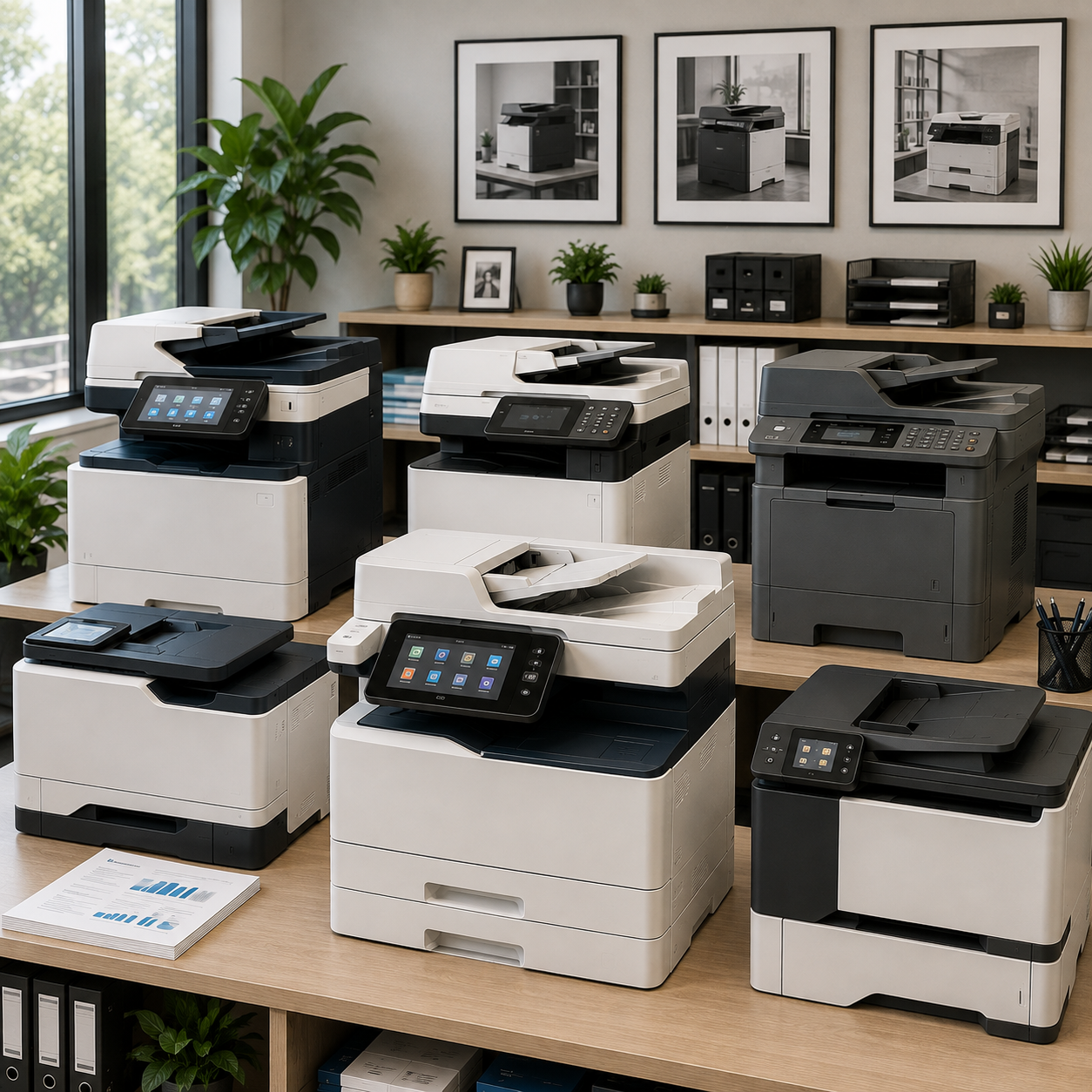
Multiple printer brands and office printer equipment
MULTI-BRAND SERVICE One Service Standard
WHY CHOOSE US

A better way to handle printer repair.

We combine convenient onsite service, clear communication, and practical repair guidance to make the experience easier for homes and businesses in the Grand Junction area.

01
RESPONSE

Prompt Service Options

We work to arrange service promptly based on your location, the nature of the issue, and current appointment availability.

02
WORKMANSHIP

Applicable Warranty Coverage

Where a workmanship warranty applies, its coverage period and terms are clearly provided with the applicable service documentation.

03
EXPERIENCE

Skilled Repair Professionals

Our service team works with a broad range of printer equipment and approaches each repair according to the model, symptoms, and service requirements.

04
ONSITE

Service at Your Location

Where onsite service is available, we come to your home or workplace so you don't have to disconnect and transport the equipment yourself.

SERVICE INFORMATION

Repair recommendations depend on the equipment and issue.

Repair outcomes can vary based on printer age, model, condition, parts availability, warranty status, and the nature of the failure. In some cases, manufacturer service, additional parts, or replacement equipment may be more appropriate than onsite repair. We will explain the available options before proceeding with additional work.